Web Performance Optimization in 2026: How to Master Core Web Vitals
In the modern digital economy, website speed is no longer just a technical metric—it is a direct business driver. User attention spans are shorter than ever, and a delay of even a single second in page load time can severely reduce user retention, increase bounce rates, and harm conversion rates across e-commerce and media platforms.
Furthermore, search engines like Google explicitly use user experience performance signals—known as Core Web Vitals—as a core ranking factor in mobile and desktop search algorithms. In this comprehensive guide, we explore modern web performance optimization strategies to help you achieve blazing-fast load times and perfect Core Web Vitals scores in 2026.
1. Understanding Google's Core Web Vitals Spectrum
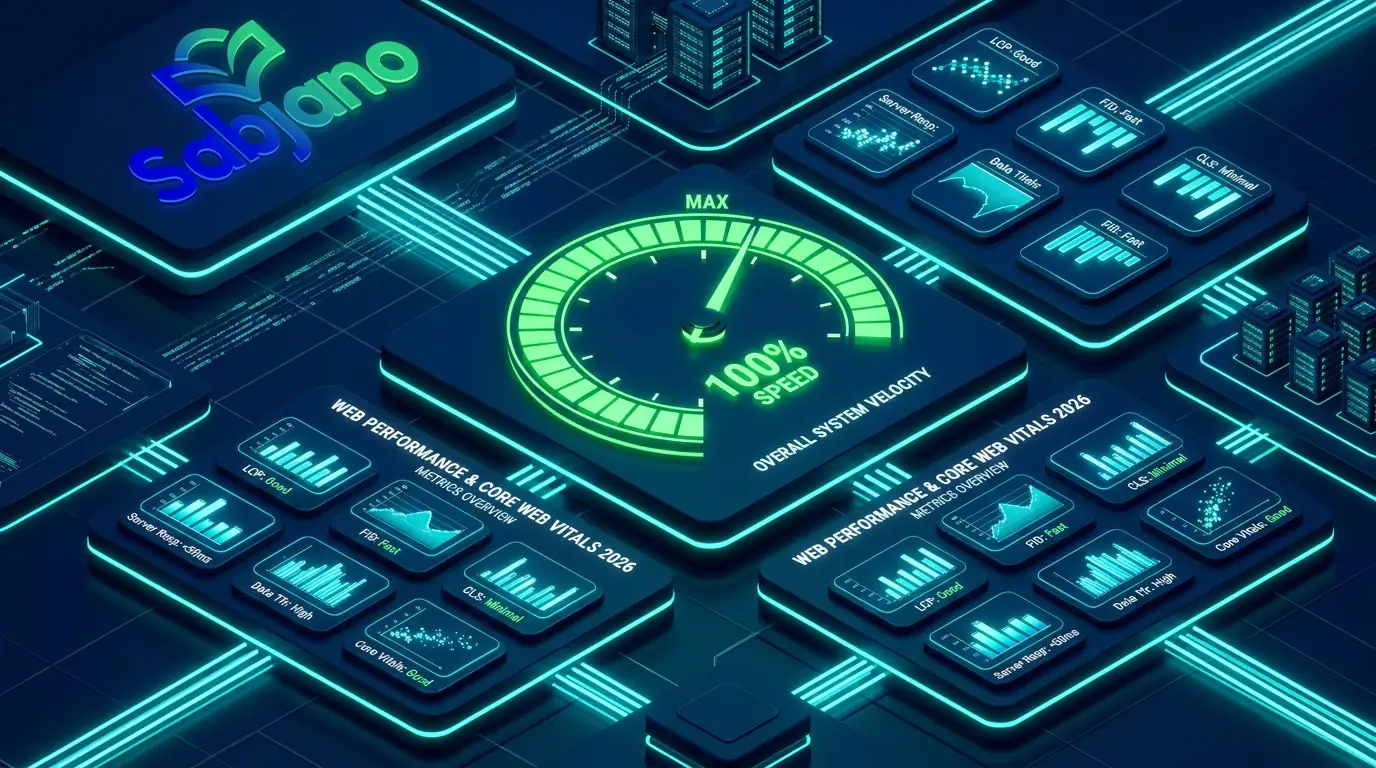
Core Web Vitals are a set of specific metrics that Google considers essential to a user's overall experience on a web page. In 2026, the three primary Core Web Vitals metrics every developer must monitor are:
A. Largest Contentful Paint (LCP) - Loading Speed
LCP measures perceived loading speed. It marks the point in the page load timeline when the main content of a page (a hero image, banner, or large text block) has likely loaded.
- Good Target: 2.5 seconds or faster.
- Common Bottlenecks: Slow server response times, unoptimized render-blocking JavaScript/CSS, and large uncompressed hero media assets.
B. Interaction to Next Paint (INP) - Visual Responsiveness
INP measures page responsiveness by tracking the latency of all user interactions (clicks, taps, keyboard inputs) throughout the entire user session.
- Good Target: 200 milliseconds or faster.
- Common Bottlenecks: Heavy main-thread JavaScript execution, long event handlers, and complex DOM re-rendering cycles.
C. Cumulative Layout Shift (CLS) - Visual Stability
CLS measures visual stability by tracking unexpected layout shifts that occur while the page is loading. (e.g., a button moving unexpectedly just as a user tries to tap it).
- Good Target: 0.1 or lower.
- Common Bottlenecks: Images without explicit width/height dimensions, dynamically inserted ads or embedded widgets, and custom web font loading delays (FOUT/FOIT).
Core Web Vitals Benchmark Matrix
| Metric | What It Measures | Good Target | Needs Improvement | Poor |
|---|---|---|---|---|
| LCP | Main content load time | ≤ 2.5s | 2.5s - 4.0s | > 4.0s |
| INP | Interaction responsiveness | ≤ 200ms | 200ms - 500ms | > 500ms |
| CLS | Visual layout stability | ≤ 0.1 | 0.1 - 0.25 | > 0.25 |
2. Proven Strategies to Optimize LCP (Loading Speed)
Optimize Media Assets with Modern Formats
Images often account for the vast majority of downloaded bytes on a webpage.
- Adopt AVIF and WebP: Convert legacy PNG and JPEG formats to next-generation formats like WebP or AVIF, which reduce file sizes by up to 30–50% without quality loss.
- Implement Explicit Responsive Image Srcsets: Deliver properly scaled images based on the user's viewport width.
- Preload the LCP Image: Use
<link rel="preload" as="image" href="..." fetchpriority="high">to instruct the browser to prioritize fetching the main hero image before parsing lower-priority scripts.
Leverage Edge Caching and Content Delivery Networks (CDNs)
Serving web assets from a single origin server located halfway across the world introduces severe network latency. Deploying global CDN edge networks (like Cloudflare or Fastly) caches static assets closer to your users, reducing Time to First Byte (TTFB) significantly.
3. Strategies to Fix INP (Main-Thread Responsiveness)
When a user clicks a button or opens a menu, the browser's main thread must execute JavaScript to process the event. If the main thread is blocked by a long-running background task, the user perceives the application as frozen.
- Break Up Long Tasks (
yieldToMain): Split heavy JavaScript computation tasks into smaller asynchronous chunks usingsetTimeout()orscheduler. Yield()to allow the main thread to respond to user inputs immediately. - Defer Non-Critical JavaScript: Move heavy third-party analytics scripts, chat widgets, and ad tracking tags off the main critical rendering path using
defer,async, or Web Workers. - Reduce Unnecessary Component Re-renders: In frameworks like React or Next.js, memorize expensive calculations and optimize state management to prevent unnecessary DOM mutations.
4. Eliminating Cumulative Layout Shift (CLS)
Visual shifts frustrate users and destroy core usability. You can eliminate CLS entirely by enforcing strict layout reservations:
- Always Set Explicit Aspect Ratios: Always specify
widthandheightattributes on HTML<img>,<video>, and<iframe>elements, or reserve space in CSS usingaspect-ratio. - Reserve Ad Slot Dimensions: Pre-allocate fixed-size container CSS dimensions for dynamic ad slots so surrounding content doesn't jump when the advertisement finishes loading.
- Use
font-display: swapfor Web Fonts: Prevent invisible text during font loading by declaring fallback system fonts with matching layout dimensions.
5. Modern Performance Monitoring Tooling
To ensure your optimizations are effective, track performance across two distinct environments:
- Lab Data (Synthetic Testing): Use tools like Google Page Speed Insights, Lighthouse, and Webpage Test during development to simulate low-end mobile hardware and throttled 4G connections.
- Field Data (Real User Monitoring - RUM): Collect actual field metrics from real users visiting your website using the Chrome User Experience Report (Crux) or custom performance tracking scripts.
Final Thoughts
Web performance optimization is an ongoing engineering discipline, not a one-time fix. By prioritizing LCP media loading, minimizing main-thread JavaScript blocking for INP, and eliminating layout shifts for CLS, you deliver an exceptional user experience that boosts search engine rankings and drives real business growth.
Comments (0)
No comments yet. Share your thoughts below!